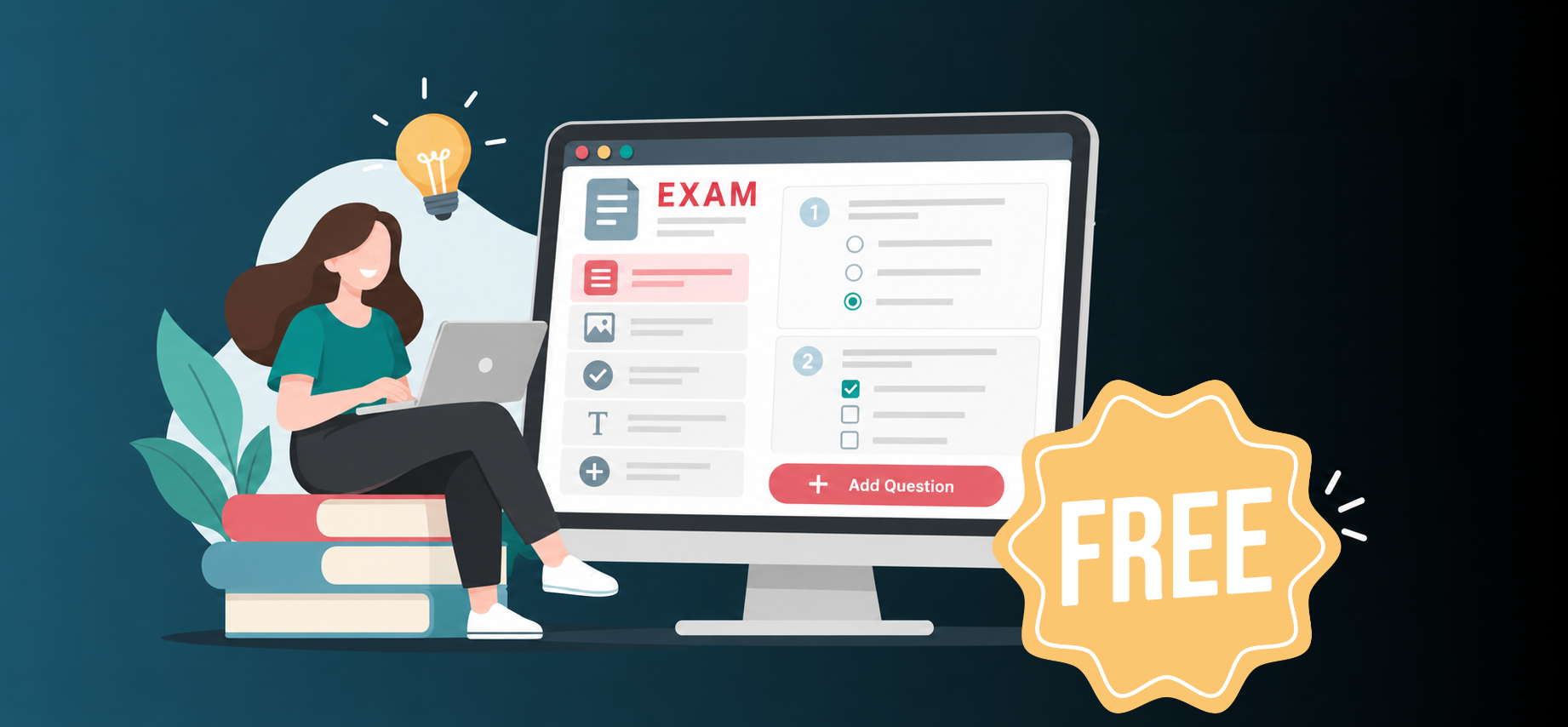
How to Create an Online Exam for Free (Step-by-Step Guide for 2026)
Creating an online exam used to require expensive software, IT support, or hours of manual work. Today, educators, trainers, and HR professionals can create a professional online exam for free in under 10 minutes — with zero technical skills required.
Whether you're a teacher building a mid-term assessment, a trainer testing employee knowledge, or a tutor creating practice tests for students, this guide walks you through every step of the process.
Why Create Exams Online Instead of Paper-Based Tests?
Before we dive in, it's worth understanding why online exams have become the go-to choice for educators worldwide:
- Instant grading: Objective questions are marked automatically, saving hours of manual correction
- Anywhere access: Students can take exams on any device — laptop, tablet, or smartphone
- Detailed analytics: See exactly which questions students struggled with, and who scored what
- Easy sharing: Send a single link or short code — no printing, no distribution hassle
- Secure and fair: Control who can access the exam, set time limits, and randomise question order
What You'll Need Before You Start
Getting started is simpler than you might think. To create your first free online exam, you only need:
- A free account on an online exam platform (like PaperSup)
- Your exam content — questions, topics, or a document to pull from
- About 10–15 minutes
That's it. No software installation, no design skills, no technical setup.
Step 1: Sign Up for a Free Online Exam Platform
Head to PaperSup.com and create a free account. PaperSup is a dedicated online exam platform that lets you create, manage, and share professional exams at no cost, with AI-powered tools built in.
Once you've registered, you'll land on your exam dashboard — the central hub for all your exams, question banks, and results.
Tip: Look for platforms that offer a genuinely free tier (not just a trial), support multiple question types, and give you access to analytics without charging extra.
Step 2: Choose How to Create Your Exam
Modern exam platforms give you multiple ways to build your test, depending on how much time you have and what you're starting from.
Option A: Use the AI Exam Generator (Fastest)
This is the quickest way to create an exam from scratch. Simply:
- Paste your lesson notes, a PDF extract, or a list of topics into the AI generator
- Select the number of questions and difficulty level
- Choose your question types (MCQ, true/false, short answer, etc.)
- Click Generate — the AI creates a fully structured exam in seconds
PaperSup's AI Exam Creator can turn a pasted paragraph or study guide into a complete, formatted exam instantly. You can review, edit, or delete any generated question before publishing.
Option B: Build the Exam Manually
Prefer full control? Create each question by hand:
- Click "Add Question" from your dashboard
- Select the question type
- Enter the question text, answer options, and correct answer
- Add any images, diagrams, or code snippets if needed
- Set the point value per question
Option C: Import from an Existing Document
Already have a Word doc or PDF with your questions? Some platforms let you upload and auto-parse the content into a structured exam — saving you the copy-paste work.
Step 3: Add Your Questions
Online exam platforms support a wide range of question types. Here's a breakdown of the most common ones and when to use each:
| Question Type | Best For |
|---|---|
| Multiple Choice (MCQ) | Knowledge recall, concept testing, certification prep |
| True / False | Quick comprehension checks, factual topics |
| Short Answer | Written responses, definitions, brief explanations |
| Essay | In-depth reasoning, critical thinking, assignments |
| Fill in the Blank | Language learning, formula completion, vocabulary |
| Matching | Terminology pairing, cause-effect relationships |
| Code / Programming | Technical hiring, computer science assessments |
Mix question types to create a more balanced and engaging exam. A well-structured test often combines MCQs (for breadth) with a few short-answer or essay questions (for depth).
Tips for Writing Good Exam Questions
- Keep language clear and unambiguous — avoid double negatives
- Make incorrect answer choices plausible (not obviously wrong)
- Vary difficulty: include easy, medium, and hard questions
- Align questions with your learning objectives
- Avoid trick questions — they test frustration, not knowledge
Step 4: Configure Your Exam Settings
Once your questions are ready, set up how the exam will run. Key settings to configure:
Timing
Set a time limit for the entire exam or per question. A 30-question MCQ test typically runs 25–45 minutes.
Access Control
Decide who can take your exam:
- Public link: Anyone with the URL can attempt it
- Invite only: Share a unique exam code or invite by email
- Access tokens: Generate individual tokens for each candidate
Attempt Limits
Prevent retaking by limiting each student or email to one attempt (or allow multiple for practice purposes).
Scheduling
Set a start and end date/time. This is essential for formal assessments where all students should sit the exam in the same window.
Randomisation
Shuffle question order and/or answer option order for each student — this reduces copying and makes each exam experience unique.
Results Visibility
Choose whether students see their score immediately after submission, or only once you've manually reviewed essay answers.
Step 5: Publish and Share Your Exam
When you're happy with the exam, hit Publish. You'll get:
- A shareable link you can paste into email, a learning management system, or a messaging app
- A short exam code students can enter directly at papersup.com
- An embed code if you want to host the exam on your own website
Pro Tip: Share the exam link inside your existing LMS (Google Classroom, Canvas, Moodle) so students don't need to navigate to a new platform — they just click and start.
Step 6: Monitor Progress and Review Results
Once students start taking your exam, your dashboard updates in real time. After submissions close, you get access to:
- Individual score reports for each student
- Question-level analytics — see which questions had the lowest correct-answer rates
- Average score, highest, and lowest scores
- Time taken per student
- Exportable data in CSV or PDF format for your records
If your exam includes essay questions, you'll receive an alert to manually grade those responses before final scores are released.
Free vs. Paid: What's the Difference?
Most online exam platforms — including PaperSup — offer a free tier that's genuinely useful. Here's what you typically get:
| Feature | Free Tier | Paid Tier |
|---|---|---|
| Number of active exams | 3–5 | Unlimited |
| Monthly responses | 50–100 | 500–5,000+ |
| AI question generation | Limited | Full access |
| Analytics depth | Basic | Advanced |
| Branding | Platform logo shown | Custom branding |
| LTI / LMS integration | ❌ | ✅ |
| Certificate issuance | ❌ | ✅ |
For individual teachers or tutors, the free tier is often sufficient for day-to-day use. Teams and institutions tend to upgrade for the higher response limits and integrations.
Common Questions About Creating Online Exams
Can I create an online exam without students needing an account?
Yes. On most platforms, students can take exams as guests using a shared link or access code — no registration required on their end.
Is it possible to add images or equations to questions?
Absolutely. Modern exam platforms support image uploads, LaTeX equations, tables, and even embedded HTML for complex formatting.
How do I prevent cheating?
Common anti-cheating measures include: randomising question and answer order, setting strict time limits, enabling one-attempt-only rules, and using a proctoring add-on for high-stakes exams.
Can I use the exam for recurring classes?
Yes — duplicate your exam and reuse it every semester, updating questions as needed. Your question bank stores everything for future reference.
Conclusion
Creating a professional online exam for free is no longer a complex undertaking. With the right platform, you can go from a blank page to a fully published, shareable exam in under 15 minutes — and with AI generation tools, even faster.
Whether you're running a formal academic assessment, a corporate skills test, or a casual practice quiz, the process is the same: pick your platform, add your questions (or let AI do it), set your rules, and share.
Ready to create your first free online exam? Start on PaperSup — no credit card required →